
InOrOut user manual
All users Group adminsThis manual explains how people actually use InOrOut in the app: signing in, creating or joining a team, planning events, chatting with members, managing paid features, and using analytics.
What this manual covers
- Getting started: sign in with a password or a QR code, register, recover your password, and complete onboarding.
- Home dashboard: understand the main dashboard, Agenda and Calendar views, overflow actions, and the coach analytics entry points.
- Teams and groups: create a container, join one, manage members, and adjust group settings.
- Events and attendance: create events, RSVP, manage guests, and confirm attendance.
- Chat and announcements: use chat, view system announcements, and manage group announcements.
- Forum: send questions and suggestions to the admins, and upvote the ones the team publishes.
- Notifications: understand push notifications, background behavior, and notification preferences.
- Activity planning: vote on dates, manage required members, and activate the final plan.
- Polls: put a question on the agenda, collect answers, and read the result.
- Calendar subscriptions: import an external calendar feed into a group.
- Plans and billing: compare Free, Pro, Business, and Coach Pass.
- Analytics: review team analytics and cross-team coach analytics.
- Profile and security: maintain profile data, date/time preferences, the App lock (fingerprint or face, a PIN, or both), QR sign-in approval, time off, and account deletion.
This manual is written for members and group admins — everything you can reach from your own account. The platform administration tooling InOrOut’s own staff use is internal and is not documented here; the one part of it you may meet as a group admin, approving a time-boxed access request, is covered under System admin access requests.
Roles and plan labels used in this manual
Free Pro Business Coach Pass Coach Pass+When a workflow depends on a role or a paid feature, the page calls that out explicitly. Some screens also change based on per-group feature toggles, such as chat, decision deadlines, and attendance confirmation — and on what a team, or you yourself, have chosen to show of its members.
This manual is based on the Flutter route map, the app screens, and the monetization rules already documented in the repository. It is intentionally task-based rather than technical.
First pages to read
If you are new to the product, read these pages in order:
home-dashboard-overview-android.pnghome-dashboard-overview-ios.png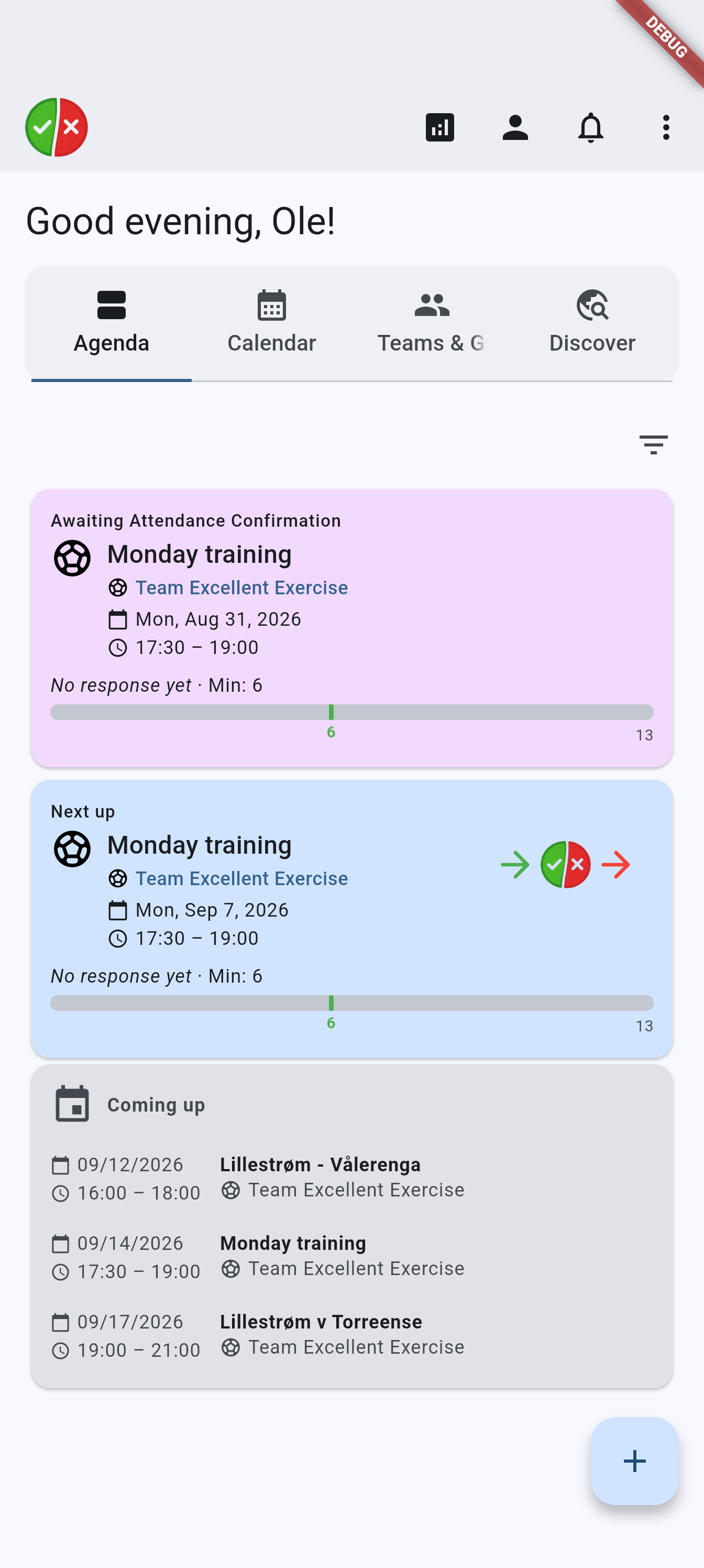
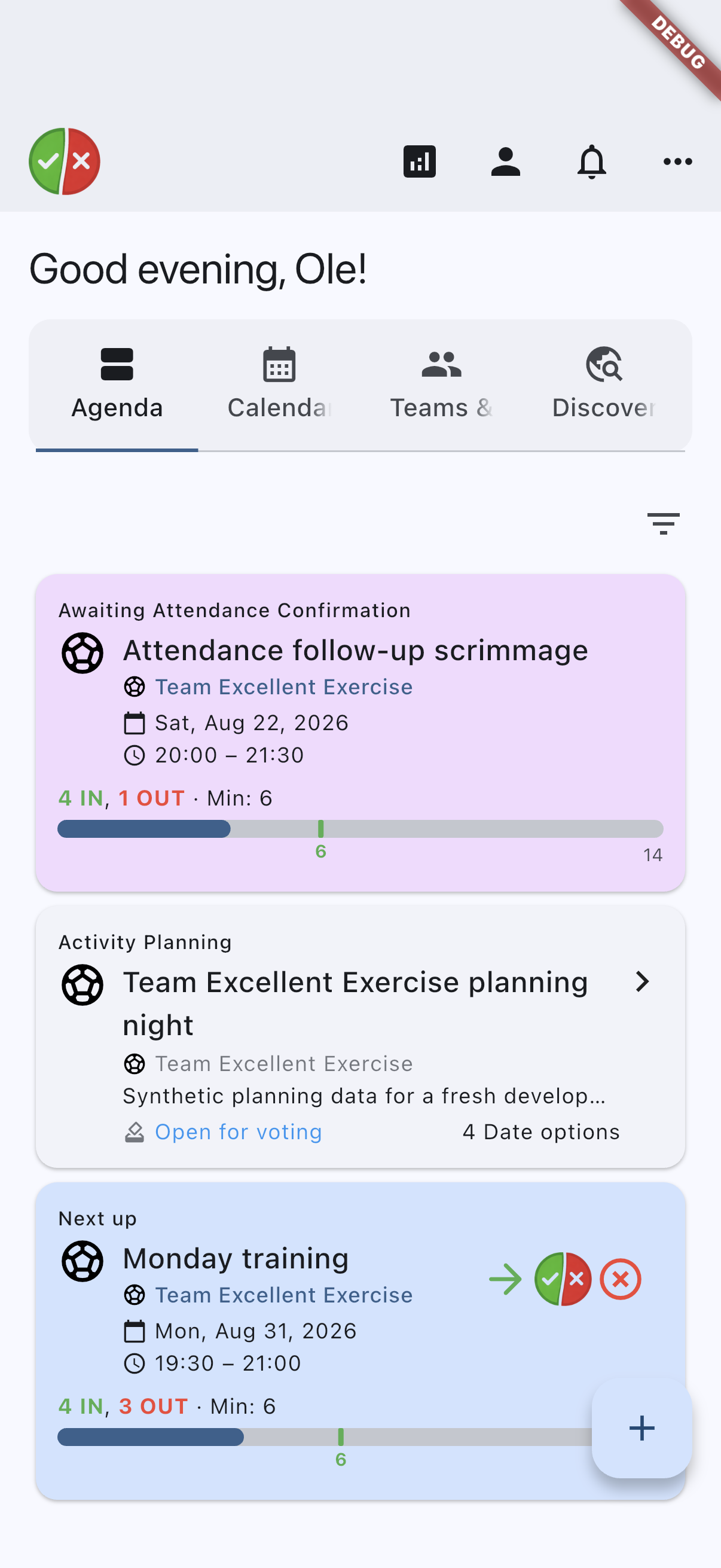
Suggested first hero image for the manual home page: the main dashboard after onboarding, with upcoming items and group cards visible.